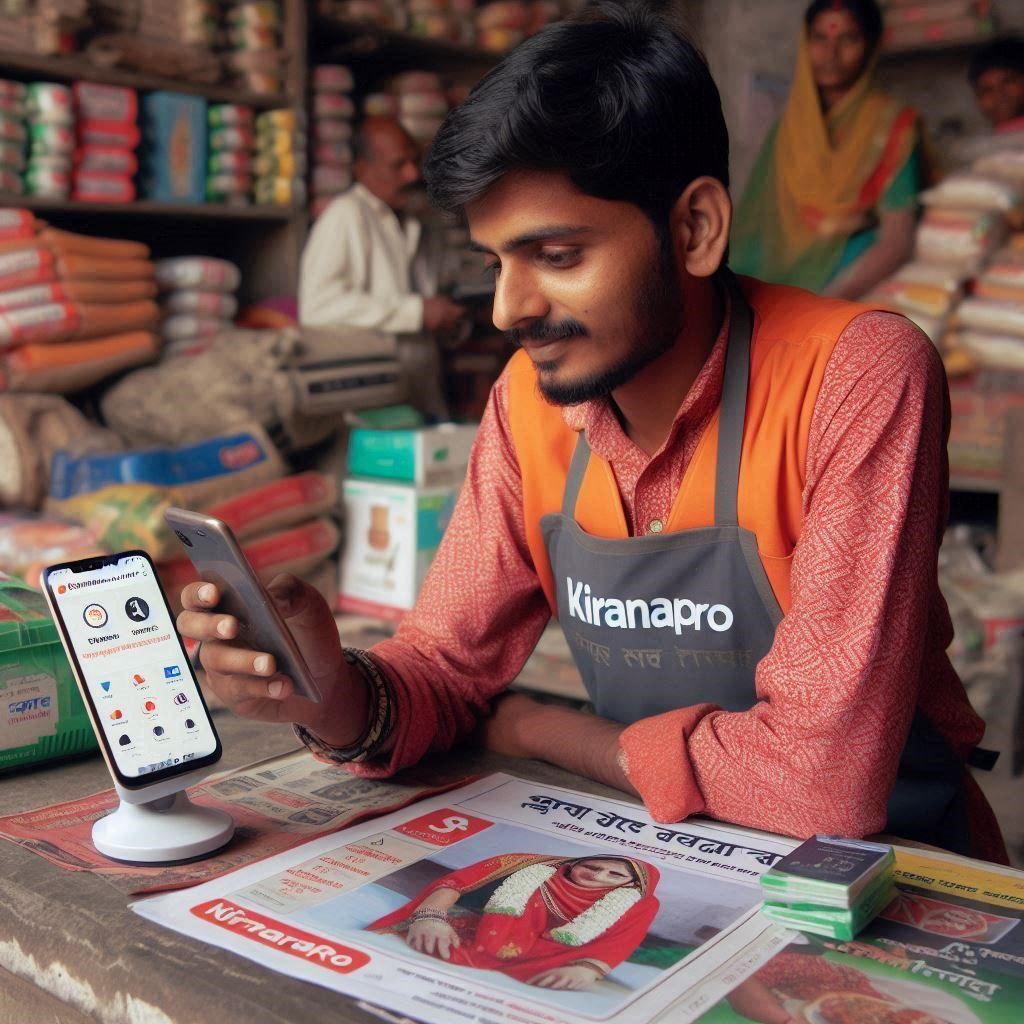

A typical kirana shop in South India — where automation can save hours every single day.
Introduction
Running a small shop in India is no small feat. Between managing billing, keeping track of stock, sending reminders to customers, and reconciling daily accounts — most small business owners are working 12-hour days just to stay on top of things.
And the frustrating truth? The problem isn't a lack of effort. The problem is a lack of the right systems.
Automation is no longer a luxury reserved for large enterprises. Today, even a kirana store or a small textile shop can automate repetitive operations — and this guide will show you exactly how.
The Real Cost of Manual Operations
Most small business owners don't realize how much time and money they lose to manual, repetitive tasks. Owners spend 3 to 5 hours daily on tasks that could be fully automated — that's nearly 40% of their working day gone to data entry, stock checks, and following up with customers.
The numbers tell the story:- 3–5 hours lost every day to manual tasks
- Up to 30% revenue lost due to billing errors
- 60% of repeat customers lost due to poor follow-up
The hidden costs aren't just time — they're missed sales due to stock-outs, customer churn from delayed responses, and billing mistakes that erode trust. The good news: all of these are solvable with simple automation tools.
What Can Small Shops Actually Automate?
You don't need to automate everything overnight. Here are the three highest-impact areas to start with:
📋 Billing & Invoicing
Manual billing is slow, error-prone, and hard to track. With automated billing software, invoices are generated the moment a sale is made. GST calculations happen automatically, payment reminders go out on their own, and your daily revenue report is ready at a tap. No more end-of-day reconciliation headaches.
📦 Inventory & Stock Tracking
Running out of your top-selling product is a silent revenue killer. Automated inventory systems update stock levels in real time with every sale. You can set low-stock alerts so you're notified automatically before a product runs out — and some systems can even trigger purchase orders to suppliers on their own.
📣 Customer Follow-ups & Alerts
Whether it's a payment due reminder, a "back in stock" alert, or a festive discount message — sending these manually is time-consuming and inconsistent. Automation tools can schedule and send WhatsApp messages, SMS, or emails to your customers based on triggers like purchase history, outstanding dues, or upcoming offers.
How to Get Started: A Step-by-Step Approach
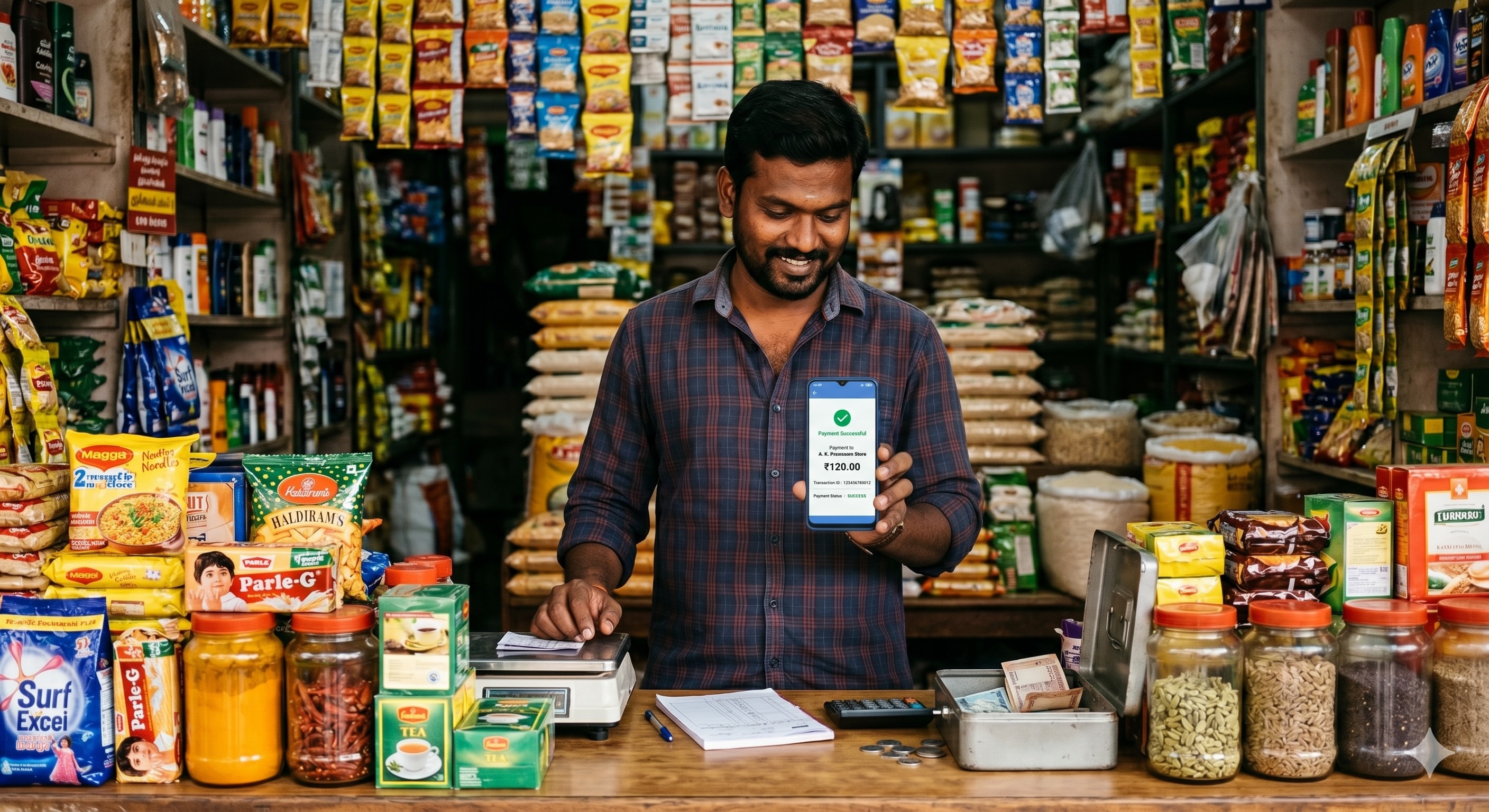
Digital payments and UPI are already a reality for millions of small shops across South India — automation is the natural next step.
The biggest mistake small business owners make when automating is trying to do everything at once. Here's a smarter, phased approach:
Step 1 — Audit Your Daily Repetitive TasksSpend one week writing down every task you do more than once a day. Billing, updating a stock register, calling a customer, sending a WhatsApp — note it all. This becomes your automation hit list.
Step 2 — Pick Your Highest-Pain TaskLook at your list and ask: which task takes the most time OR causes the most errors? That's your first automation target. For most shops, this is billing or stock tracking.
Step 3 — Choose the Right ToolLook for software built specifically for Indian small businesses. It should be mobile-friendly, support GST, work in your regional language if needed, and ideally offer a free trial.
Step 4 — Run It Alongside Your Old System for 2 WeeksDon't abandon your old process immediately. Run both in parallel for 2 weeks. This builds your confidence and ensures you don't lose data during the transition.
Step 5 — Measure, Then ScaleAfter a month, measure how much time you've saved and whether errors have reduced. Once you see the gains, add the next automation. Gradual scaling is sustainable scaling.
💡 Pro Tip: You don't need a team to automate. You just need the right system. A single well-chosen tool can replace 2–3 hours of daily manual work — effectively giving you a "virtual assistant" for your shop.
Manual vs. Automated: A Side-by-Side View
| Task | Manual | Automated | Time Saved |
|---|---|---|---|
| Daily billing & invoicing | ~90 min | ~10 min | 80 min |
| Stock level check | ~45 min | Real-time | 45 min |
| Customer payment reminders | ~30 min | Auto-triggered | 30 min |
| End-of-day accounts | ~60 min | ~5 min | 55 min |
| Reorder from supplier | ~20 min | Auto-alert | 20 min |
That's nearly 3.8 hours saved daily — time you can reinvest in serving customers better, exploring new products, or simply taking a well-deserved break.
Common Myths About Small Business Automation
Myth 1: "It's too expensive for a small shop"Modern SaaS tools are priced for SMEs, not enterprises. Many offer plans starting at ₹500–₹1,500 per month — less than the cost of a part-time worker for a single day.
Myth 2: "I'm not tech-savvy enough"Today's tools are designed for shop owners, not engineers. If you can use WhatsApp, you can use most modern automation tools. Many support Hindi, Tamil, Telugu, and other Indian languages.
Myth 3: "I'll lose the personal touch with customers"Automation handles the repetitive — it doesn't replace human connection. Sending a timely payment reminder or a back-in-stock alert actually improves your relationship with customers.
Myth 4: "My business is too small to need this"No business is too small to benefit from saving 3 hours a day. The smaller you are, the more valuable each hour is. Automation levels the playing field against larger competitors.
What to Look for in an Automation Tool
- ✅ GST-Ready Billing — handles GST calculations and compliant invoice formats out of the box
- ✅ Mobile-First Design — works flawlessly on Android, not just a desktop browser
- ✅ WhatsApp / SMS Integration — sends alerts, invoices, and reminders directly via WhatsApp
- ✅ Offline Mode — works without internet and syncs when connectivity is restored
Final Thought
You don't need a team. You need the right system.
Start small. Automate one workflow. Measure the results. Scale gradually. That's how modern businesses grow — not by working harder, but by working smarter.